logo-img
8700099563 || 8700090728 info@dbest.co.in 506, ITL Twin Tower B-09, Netaji Subhash Place Pitampura, New Delhi-110034

Topics List

How to Create/Add New Category in DBest Software?

PROCESS OF PRODUCT MASTER LEDGER IN DBEST SOFTWARE

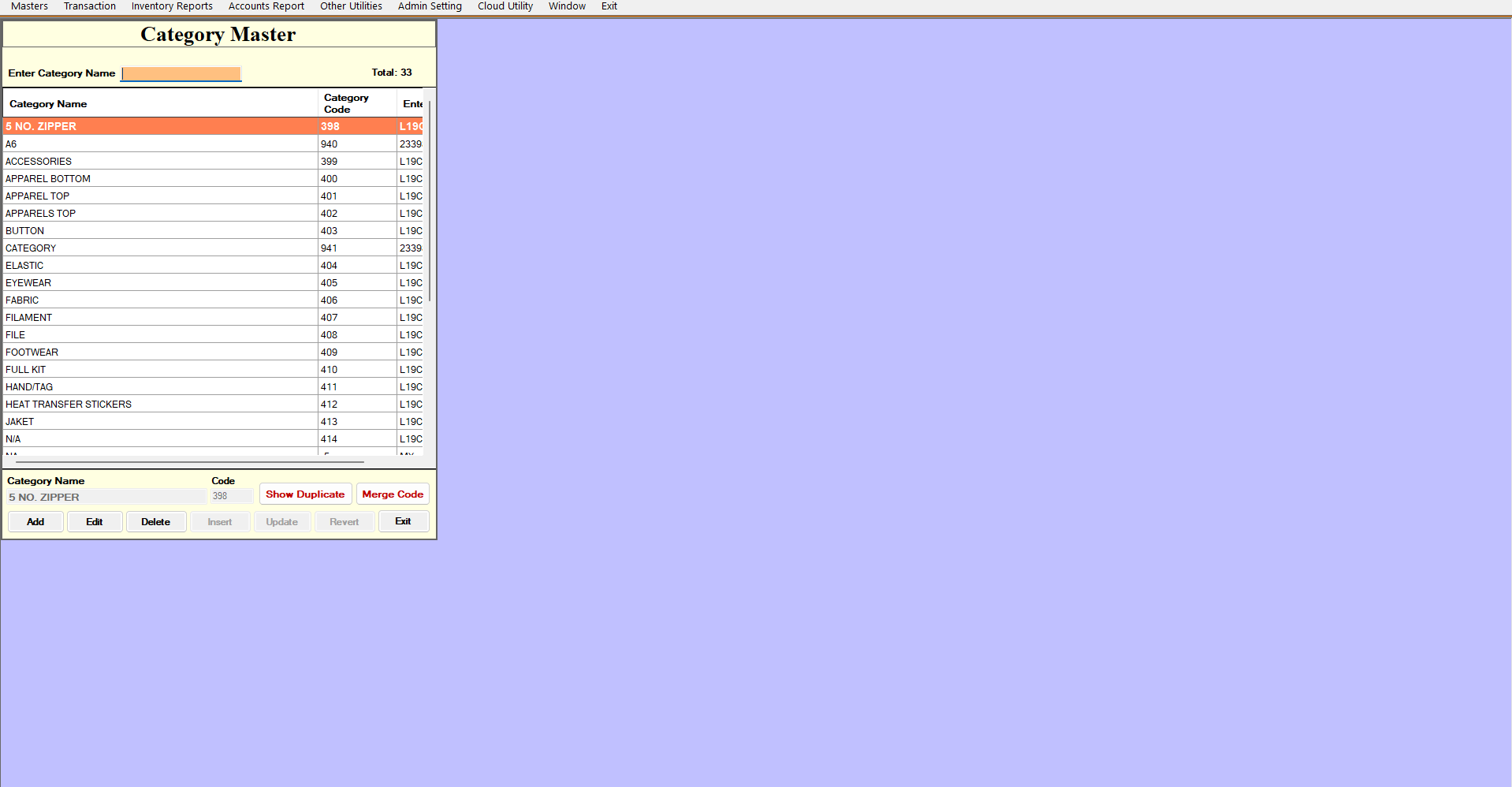
  • Firstly Go To Masters >> Product Masters >> Category Name
     
  • Here You Can See The Lists Of Category Name which are already added into the system.

  • Now Click On Add Button To Create/Add a New Category Name

Category Name : The user will mention the name of the Category. Suppose , mention category name 'JEANS','TSHIRT'

After That Click on Insert Button to Add the Category