


Firstly go to Masters>>Product Masters>>Type
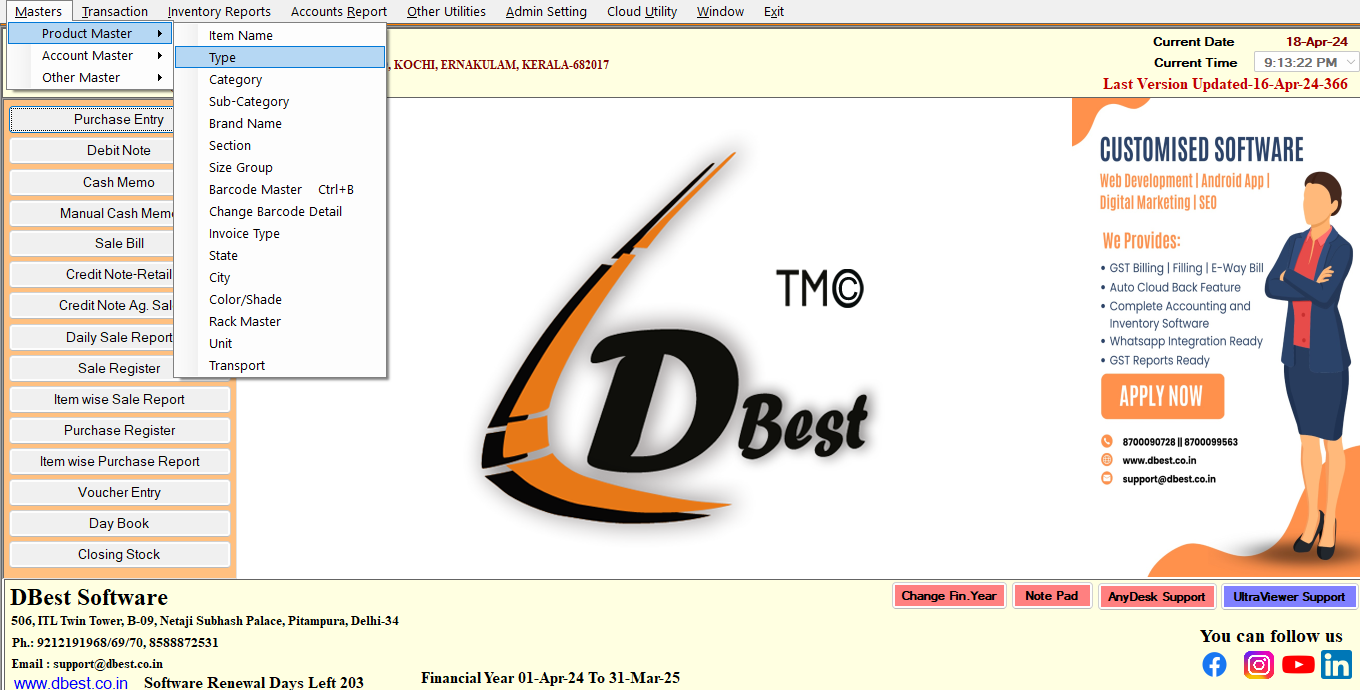
Here you can see the lists of Type Name which are already added into the system.
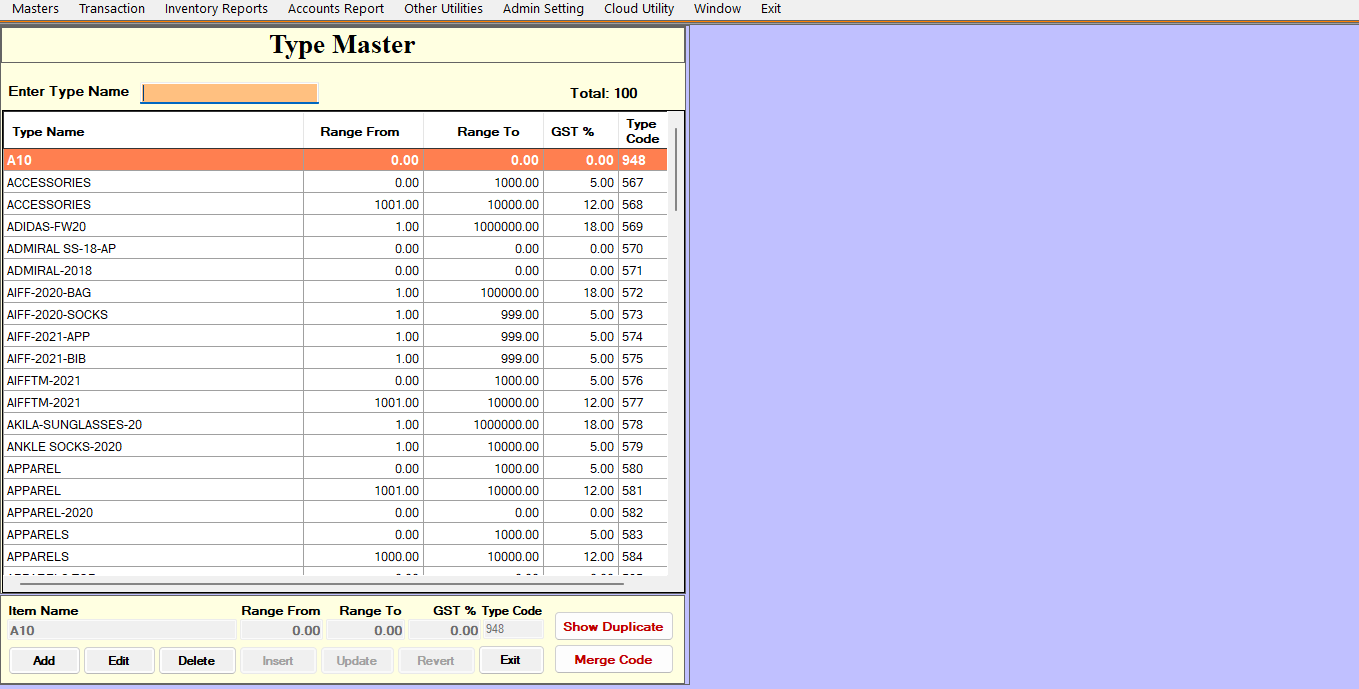
Now click on Add Button to Create/Add a new Type Name
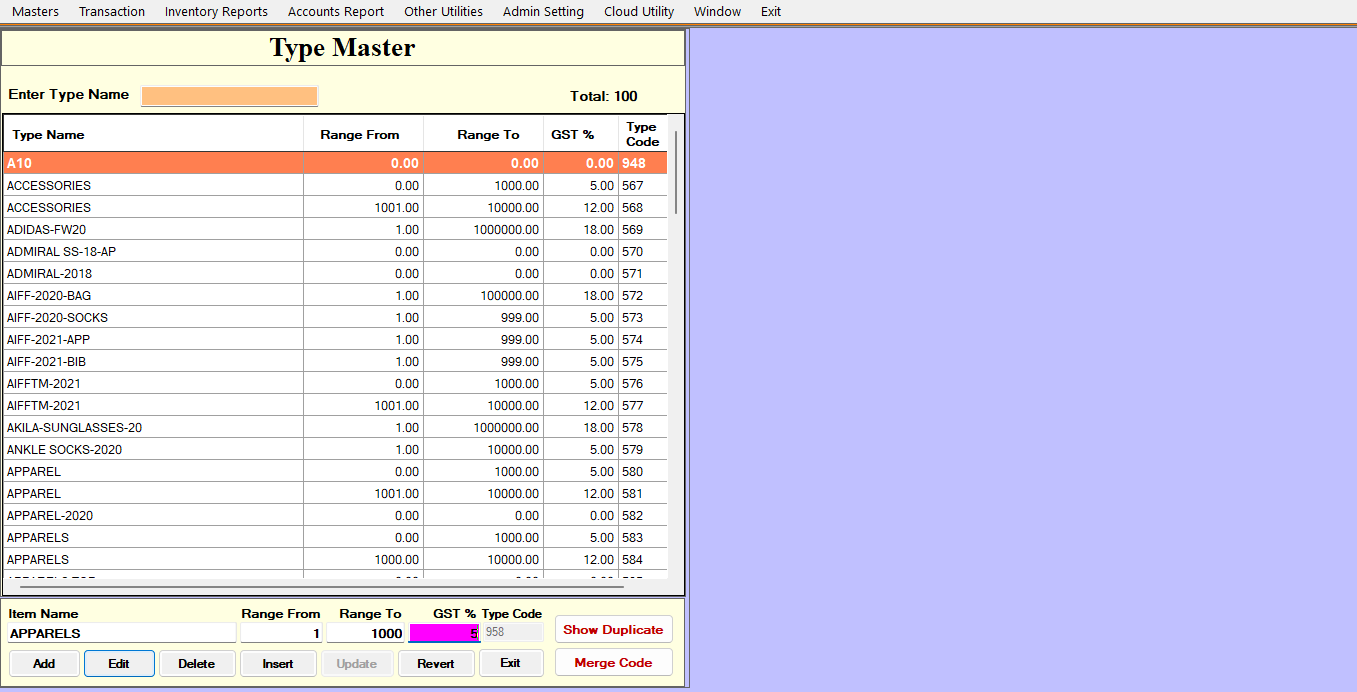
Type Name : The user will mention the Type name. Suppose , mention Type name 'APPAREL'.
Range from : Enter the Range in numeric character , Suppose , mention range from '1','5'.
Range to: Enter the Range in numeric character, Suppose, mention range to ‘50000’.
After that press insert button.